Save any job posting to your tracker in one click
On a job page, click the extension. It reads the title, the link and the description, you check the title and company, and the job is on your tracker.
Get an email when it ships
One message, on the day it is ready.
No card required · Unsubscribe any time
Keeping track of a job, with and without the extension
By hand it is a round of copying and pasting. With the extension it is one click and a quick check.
Without the extension
Copy the job title and company
Copy the link to the posting
Copy the job description somewhere safe
Open your tracker in another tab
Paste it all into a new card
With the extension
Open the job posting
Click the extension and check the title and company
Save, and it is on your tracker with the description kept
What the extension does
A small first version that does one job well.
Saves the posting you are on
It reads the page title, the link and the job description, or just the text you selected. Nothing is read until you click the extension.
You check it before it is saved
Edit the job title and company first, so the card on your board says what you expect.
Keeps the job description
The description is saved with the job, so you still have it after the posting comes down.
Not tied to one job board
It reads whichever page you have open when you click it. On a busy page, select the description first and it saves just that.
Never fills in applications
It does not autofill forms or apply for you. It saves what you choose to save, to your own tracker.
Questions
Frequently asked questions
Where it lands
The jobs you save end up here
The extension puts a posting into the tracker in one click. Five stages, drag to move, and it stays free.
Open the tracker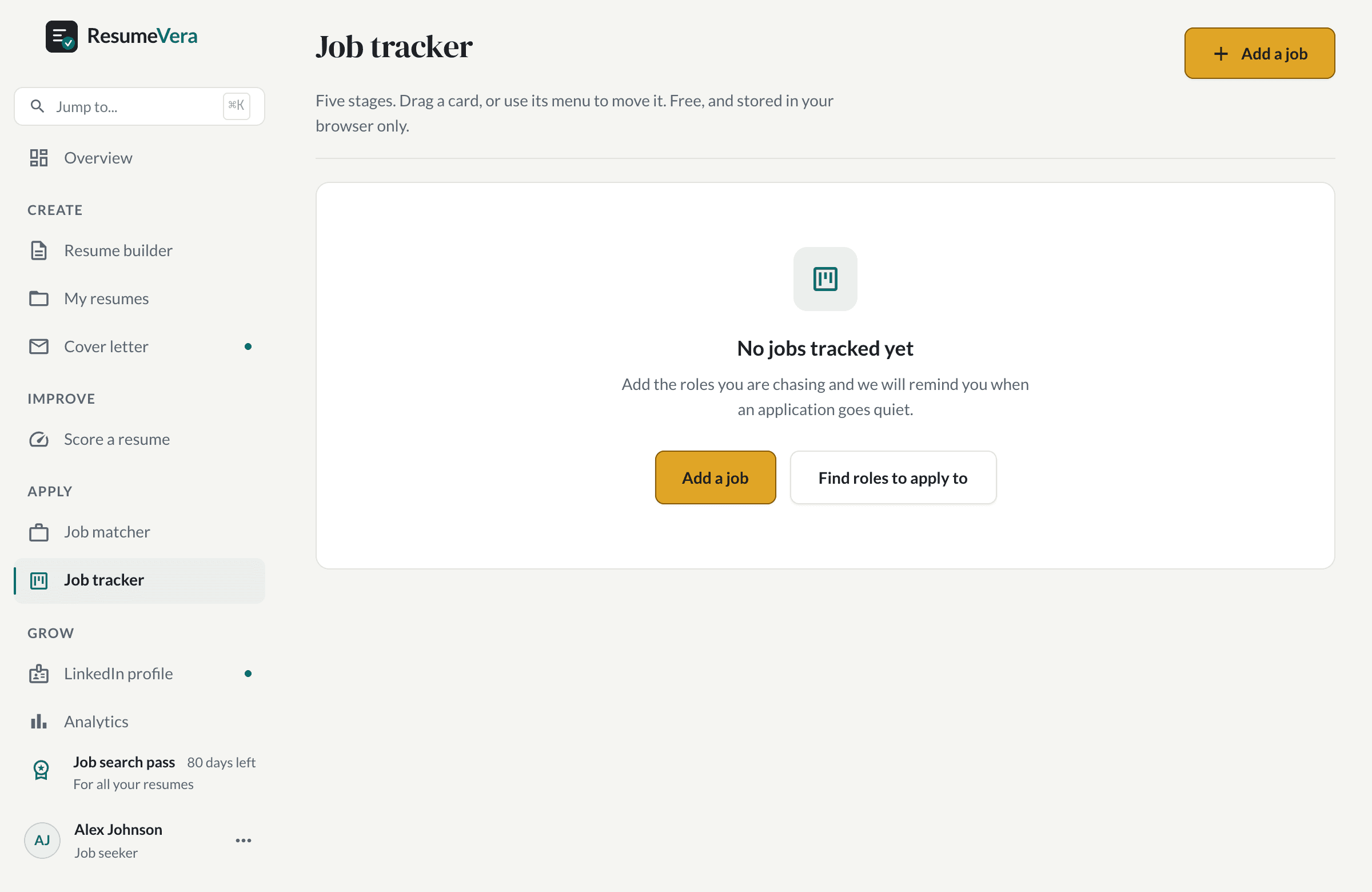
The real tracker, on a new account. Free forever, and it does not need a pass.
Use the tracker right now
The extension is not published yet. The tracker it saves to works today.
Five stages, and you drag a card or use its menu to move it
A nudge to follow up when an application goes quiet
Saved to your account, so it is there on any device